Quick answer
A print-ready car sticker file is a vector file (AI, PDF, EPS or SVG) drawn at the real size of the panel, in CMYK, with fonts converted to outlines, 3-5 mm of bleed and a 3-5 mm safe margin. Measure the actual car, mark handles, seams, the fuel cap and sensors, and use the same file for the permit mockup.
Key takeaways
- Measure the actual car, not a brochure drawing: two cars of the same model but different years can have different handles, sensors and badges.
- Send vector artwork in AI, PDF, EPS or SVG. A logo saved from your website or WhatsApp is almost always too small to print at door size.
- Work in CMYK with 3-5 mm bleed and a 3-5 mm safe margin, and convert every font to outlines before you export.
- The file you print must be the file shown in the Mada Media permit mockup, so finish the design before the mockup is made.
On this page (10 sections)
- How do I measure my car for stickers?
- Which file format should a car sticker design be in?
- What resolution do photos and raster images need?
- Why do car sticker colours look different from my screen?
- Bleed, safe margin and fonts: the three settings that cause most reprints
- Cut vinyl or printed sticker: how the file changes
- What the permit mockup needs from the same file
- Proofing checklist before you send the file
- Frequently asked questions
- Send us your file to check
Most car sticker jobs that get delayed in our Naif workshop are not delayed by printing. They are delayed by the file. A logo arrives as a small JPG from a WhatsApp chat, the phone number sits exactly where the door handle is, or the measurements came from a photo of a different car. Each of these costs a day or two, and if nobody catches it, a reprint.
This is the checklist we use ourselves on artwork for door logos, rear-window stickers and contact strips. For what car stickers cost or which ones are allowed, see our car sticker service and the rules on stickers for cars in Dubai. This page is only about getting the file right.
How do I measure my car for stickers?
Measure the car the sticker is going on, not a brochure drawing. A Toyota Corolla, a Nissan Sunny and a Mitsubishi Attrage all have different door shapes, and the same model changes between years. Check the make, model and year on the Mulkiya. We often see a company replace one Sunny with a newer one, reuse last year's sizes, and find the phone number now runs across the handle.
- Use a soft tailor's tape on curved panels. A metal tape measures the straight line across the curve and gives you a sticker that is too small.
- Measure the widest and tallest points of the area, in millimetres, from fixed points such as the door edge or the handle centre.
- Photograph each panel straight on with the tape visible, so we can check your numbers.
| Panel | What gets in the way | What to do in the file |
|---|---|---|
| Doors | Handles, keyless sensors, the gap between doors, body creases | Keep text clear of handles and the door gap; a word across the gap splits every time the door opens. |
| Rear window | Third brake light, rear wiper, heater lines | Leave the brake light and wiper area clear; rear-window graphics usually go on perforated one-way film. |
| Tailgate or boot | Badges, plate recess, boot release, reversing camera | Mark badges you keep. Never reach the plate, lights or camera. |
| Rear quarter | Fuel cap | Keep the design off the cap, or plan a separate piece so it still opens. |
| Bumpers | Parking sensors, textured plastic | Avoid sensors completely; keep key content off textured plastic. |
If you cannot measure, bring the car to us in Deira; we measure and photograph every car we brand.
Which file format should a car sticker design be in?
Send vector artwork whenever you have it. Vector files store shapes as curves, not pixels, so a logo prints sharp at 10 cm on a door or a metre across a tailgate. For anything cut rather than printed, vector is the only option, because the cutting plotter follows the paths in the file.
| Format | Type | Good for car stickers? |
|---|---|---|
| AI | Vector | Best. Keeps layers, spot colours and cut lines. |
| Vector if exported correctly | Very good, from Illustrator, InDesign or CorelDRAW with a print preset. | |
| EPS, SVG, CDR | Vector | Good. Check text is converted to paths; for CDR, tell us the version. |
| PNG, JPG | Raster | Only for photos at full print resolution. Not for logos or text. |
A PDF is not automatically vector. A JPG logo pasted into Word and saved as PDF is still a JPG inside. The quick test: zoom to 800% on the logo edge. If it stays crisp, it is vector; if it turns into squares, it is not. A logo saved from Instagram prints blurred at door size, and a JPG cannot be transparent, so it prints as a white box on a coloured car. If a PNG is all you have, tell us early; we can redraw a simple logo as vector for your approval.
What resolution do photos and raster images need?
Some designs need a photo: a dish for a restaurant car, a building for an estate agent. Photos stay raster, so resolution decides whether they look sharp. Our working rule is at least 150 DPI at the final printed size for large stickers, and 300 DPI for small decals seen up close, such as a side-window sticker or a QR panel.
The words at the final printed size matter. Place the image in your layout at the real size in millimetres and check the effective resolution your software reports (the Links panel in Illustrator, Image Size in Photoshop). If it is below 150 DPI, find a bigger original or make the photo smaller. Never enlarge a small image in software to reach the number: the file will say 300 DPI and still print blurred.
Why do car sticker colours look different from my screen?
Your screen makes colour from light (RGB). Our EPSON SureColor printers make it from cyan, magenta, yellow and black ink (CMYK), and some screen colours do not exist in ink. Electric blues, neon greens and vivid oranges print noticeably duller, and bright phone screens make the gap look bigger.
- Design in CMYK from the start. Converting at the end shifts the colours you chose.
- Give us brand references. We match Pantone or CMYK values written in the file, not how a JPG looks on your phone.
- Think about the paint. A print on clear film lets the paint show through, so yellow on a dark grey car looks muddy. Our guide to clear vs white vinyl stickers explains when you need a white base.
- Ask for a printed sample of strong brand colours and hold it against the car in daylight.
Bleed, safe margin and fonts: the three settings that cause most reprints
Bleed: 3-5 mm
If a colour or photo runs to the sticker's edge, extend it 3-5 mm past the cut line on every side. Without bleed, a slight cutting shift leaves a thin white line along one edge. Stickers with a white or clear border do not need it. If the print must wrap into a door gap, tell us; we add that overlap when we place the design on the car.
Safe margin: 3-5 mm
Keep logos, text and phone numbers at least 3-5 mm inside the cut line, and give the important information more room on a car. The installer may need to trim around a moulding, and you do not want them trimming the last digit of your number.
Fonts converted to outlines
If we do not have your font, the software swaps it and your layout changes. Convert all text to outlines (Illustrator: Create Outlines; CorelDRAW: Convert to Curves) before exporting, and keep an editable copy so you can change the number later. Arabic needs extra care: pasted from Word or a website, the letters can come out disconnected or reversed. Have a native reader check the final outlined file, not the draft.
Cut vinyl or printed sticker: how the file changes
The same logo can be made two ways, and each needs a different file. Decide before you finish the artwork.
| Cut vinyl | Printed and cut sticker | |
|---|---|---|
| How it is made | Coloured vinyl cut by a plotter, waste weeded away | Printed on white or clear vinyl, laminated, cut to shape |
| Colours | One solid colour per layer | Any colours, gradients and photos |
| File needs | Clean vector paths, one layer per colour, no gradients or shadows | CMYK artwork with bleed, plus a separate cut line |
| Common problem | Thin script letters that cannot be weeded and lift first in the sun | No cut line, so we cannot tell the shape you want |
- Cut line: one closed outline around the shape, on its own layer, in a spot colour named CutContour with no fill. Avoid tight inside corners and tiny holes, which tear when peeled.
- White ink on clear film: on a side window or dark paint, colours need a white layer under them. Put the white areas on a separate layer as a spot colour named White, exactly over the parts that need it.
Want cut vinyl but your logo has a gradient? Ask your designer for a flat one-colour version first.
What the permit mockup needs from the same file
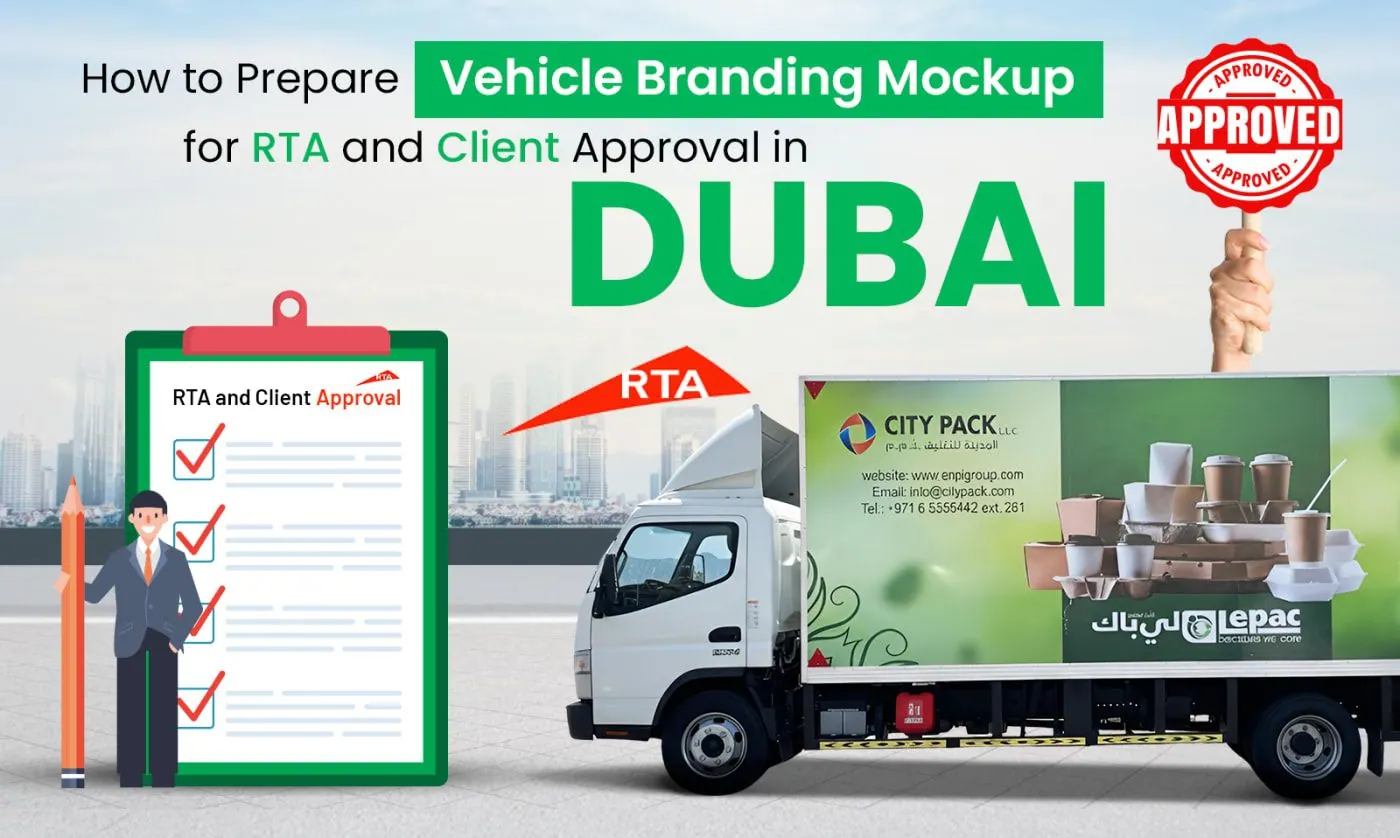
Stickers with your business name or contact details usually need a Mada Media vehicle advertising permit, and the application includes a mockup of your design on every branded side of your exact car. That mockup is built from your print file, so finish the design first: if the number or layout changes after approval, the car no longer matches the permit. Draw stickers at real size and keep them off the windscreen, lights and plates. Our vehicle branding mockup guide covers the rest, and our guide to readable layouts explains why five services and three numbers make every word too small.
Proofing checklist before you send the file
Run this list with the file open. It is the same list we run when your file arrives.
| Check | What good looks like |
|---|---|
| Size | Real size in mm, one artboard per sticker, measured on your car |
| Format | AI, PDF, EPS or SVG, vector |
| Photos | 150 DPI or more at final size, 300 DPI for small decals |
| Colour | CMYK, brand values written down |
| Bleed and margin | 3-5 mm bleed, text at least 3-5 mm inside the cut line |
| Fonts and Arabic | Outlined, Arabic checked by a native reader after outlining |
| Cut and white layers | Separate layers, named spot colours |
| Contact details | Phone, WhatsApp and website tested by calling or typing them |
Send the file with the car's make, model and year, your measurements and photos. We reply with a proof; nothing is printed until you approve it.
Frequently asked questions
Is a PNG logo from my website good enough for a car sticker?
Usually not. Website logos are made for screens and are far too small to print at door size, so the edges come out blurred. Ask your designer for the original AI, EPS or PDF. If none exists, we can redraw a simple logo as vector, and you approve it before printing.
Can you fix my file if it is in RGB or the fonts are not outlined?
Yes, we check every file before printing and tell you what needs changing. We can convert colours and outline fonts if you send the fonts, but conversion can shift bright shades, so we send a proof for you to approve first.
Should I send one file for all sides of the car or one file per sticker?
One file is fine, with a separate artboard for each sticker at its real size and a name such as Left door or Rear window. Add one overview page showing where each piece goes on the car, so nothing is fitted in the wrong place.
Why does my printed sticker look darker than on my phone?
Phone screens are bright and use light, while print uses ink, which cannot reach some vivid screen colours. Design in CMYK, give us your brand colour values and, for important colours, ask for a small printed sample to hold against the car in daylight.
Can I use the same file for the permit mockup and for printing?
You should. The permit is approved on the mockup, and the mockup is built from your print file. If the design changes after approval, the car will not match the permit. Finish the artwork first, then we build the mockup from it.
Send us your file to check
Send your artwork, the car's make, model and year, and photos of each side on WhatsApp at +971 56 925 9327. We check the file, tell you what needs fixing and send a mockup for approval. Once approved, stickers are printed in 1-3 working days and fitted the same or next day.
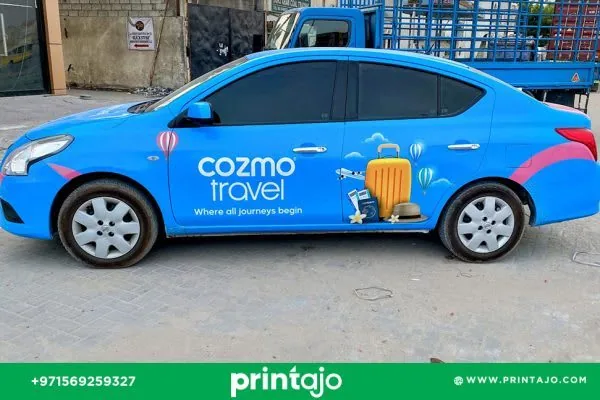
Car Stickers in Dubai, handled end to end
Send your logo and car model; we check the file, build the mockup, print in 1-3 working days and fit the stickers the same or next day.

About the author
Nizam Uddin, Printajo Advertising LLC. Printajo has designed, permitted and installed vehicle branding, stickers and signage in Dubai since 2014, with 5,000+ projects for 500+ UAE companies.
This guide is written from that project experience and reviewed by our production and permits team (last reviewed 4 November 2026). About Printajo · See our work